
Welcome to Billbooks
Built for Freelancers, Tested by Freelancers
Freelancers face a simple problem. Work gets done. Payment takes weeks. Invoices sit in email threads. Clients forget due dates. Admin work eats billable hours.
Why Billbooks Was Created
- The first version focused on three tasks.
- Create invoices quickly.
- Send them to clients without friction.
- Get paid faster.
The Real Problems Freelancers Face
Clients forget invoice due dates
Payment follow-ups take too much time
Invoice records spread across spreadsheets and emails
Manual invoices cause calculation mistakes
International clients require different currencies
Tax calculations vary across regions
Tracking paid and unpaid invoices becomes confusing
Many freelancers spend two to five hours each week managing invoices. That time should go to client work.
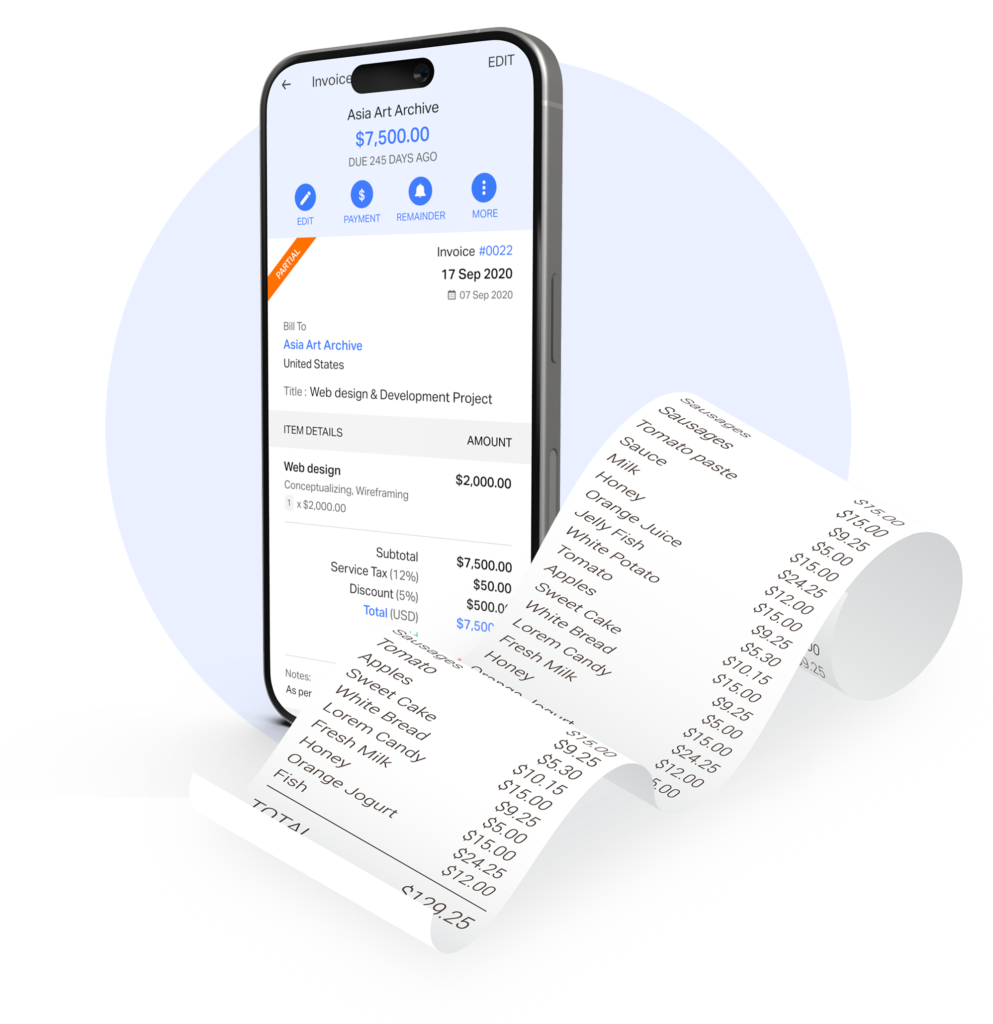
How Billbooks Solves Late Payments and Admin Stress
Billbooks removes the friction from invoicing. The system focuses on speed, clarity, and automation.
- Create professional invoices in less than one minute
- Automatic payment reminders for overdue invoices
- Clear invoice status tracking
- Multiple currency support for global clients
- Built-in tax and discount calculations
- Easy estimate to invoice conversion
- Organized client and invoice records
Automated reminders reduce awkward payment follow-ups. Clients receive clear payment instructions and due dates.
 User feedback continues to guide product improvements.
 Constant Innovations to ease invoicing
 Improvising User Experience
User feedback continues to guide product improvements.
Constant Innovations to ease invoicing
Improvising User Experience
Improvising User Experience
User feedback continues to guide product improvements.
Constant Innovations to ease invoicing
Improvising User Experience
Real Examples From Freelancers
Freelancers across many industries rely on Billbooks to manage their billing workflow.

Graphic Designer
A freelance designer sends invoices after each project milestone. Billbooks tracks each invoice and sends reminders if payment crosses the due date.
Content Writer
A writer working with international clients invoices in USD, EUR, and GBP. Billbooks handles currency formatting and keeps all invoices organized.
Business Consultant
Marketing Agency
These everyday use cases shaped the product features.
Billbooks continues to evolve based on real freelancer feedback. The product roadmap follows one rule. Make invoicing simpler for independent professionals.
Have a query? Talk to us
Fill the form out to raise a ticket and get resolution to all of your queries.
su*****@*******ks.com
Raise a Ticket
FAQs
Yes. Many freelancers start with spreadsheets or simple manual invoices. This method works during the first few projects and early client relationships. Problems appear as the number of projects and clients grows. Important invoices hide inside long email threads, and payment records spread across files. Invoicing software stores every invoice in one place and makes tracking payments simple.
Billbooks sends clear and professional invoices with visible payment due dates. Each invoice presents the amount, deadline, and payment details in a clean format. The system sends automatic reminders before the due date and again after it passes. Clients receive these reminders directly by email. Freelancers spend less time chasing payments and keep client communication professional.
Yes. Billbooks supports invoices in many global currencies. Freelancers who work with overseas clients can select the client’s currency during invoice creation. The invoice displays the correct currency symbol and amount. Clients understand the payment request quickly, and the invoice looks professional across countries.
Yes. Many freelancers manage between five and fifteen active clients at one time. Even a small client list can create many invoices during a month. Billbooks keeps invoices, estimates, and payment records in a single organized dashboard. Freelancers stay organized without learning complex accounting systems.
Yes. Freelancers often send an estimate before starting a project. Clients review the estimate and approve the work details and price. Billbooks converts the approved estimate into an invoice with one click. The system keeps the project records accurate and removes the need to create a new invoice manually.