

Key Takeaways
- Zoom and Skype let tutors teach students anywhere without worrying about location or time zones.
- Tracking fees and invoices is just as important as teaching, and Billbooks handles that side of the business cleanly.
- Google Docs makes real time collaboration between tutors and students genuinely simple and free.
- A YouTube channel gives tutors a way to reach potential students without spending anything on marketing.
- Evernote keeps the admin side of tutoring, notes, schedules, and task lists, all in one spot.
- Flipboard works as a content sharing layer where tutors can push relevant study material to students easily.
- Having the right tools in place from the start saves tutors a significant amount of time every single week.
Tutoring business is not just restricted to teaching. Like any other small business owner or freelancer, even tutors need to deal with managing multiple tasks. To streamline their regular work process, online assistance like educational tools, productive tools, teaching software, collaborative tools, time-saving tools, billing tools and other such useful tools are being introduced.
Private tutoring business is flourishing all over the globe. Since online classes are in much demand, it will be wise for the tutors to embrace technology and make their work more efficient and easy. Tuition teachers can gain a lot of benefits by using online tools.
To add more to the advantage of the tutors, we have shortlisted some really helpful tools for them.
Take a glimpse of the list below and check what each tool has to offer:
Skype: Effective and interactive online lessons
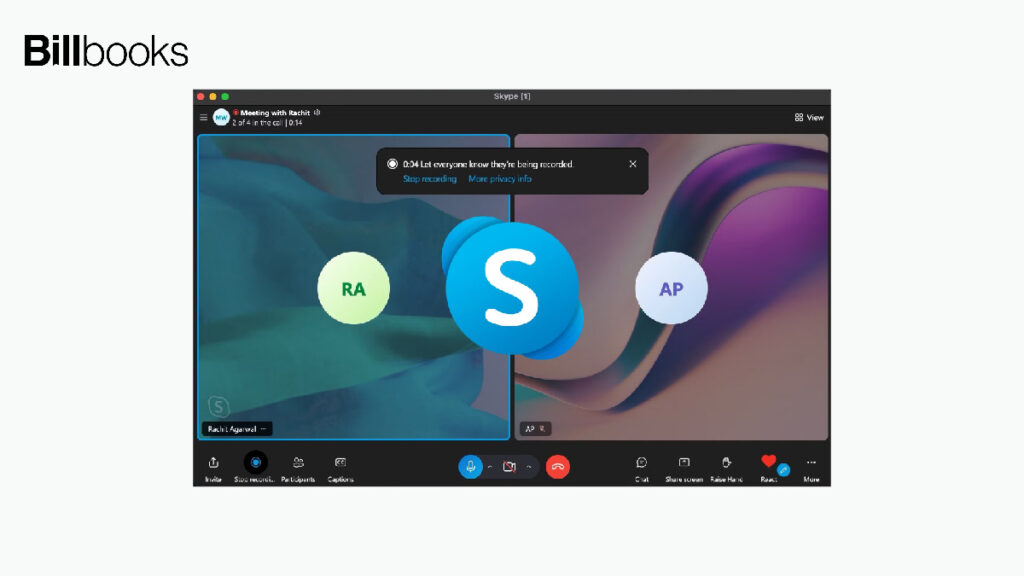
The geographical boundary is no more a confining factor for teaching. Freelance tutors or private coaching classes with the help of virtual platforms can spread education and knowledge, wherever they want without any obstacle. One such popular tool for global communication is Skype.
It is not necessary that the tutor and students should dwell in the vicinity, same city or even the same country to interact. With high-quality video chat feature, lectures can be conducted in any part of the world and can be attended by students from any part of the world.
Skype is a great platform for virtual training and connects with students, worldwide.
Zoom: Modern and collaborative virtual classrooms
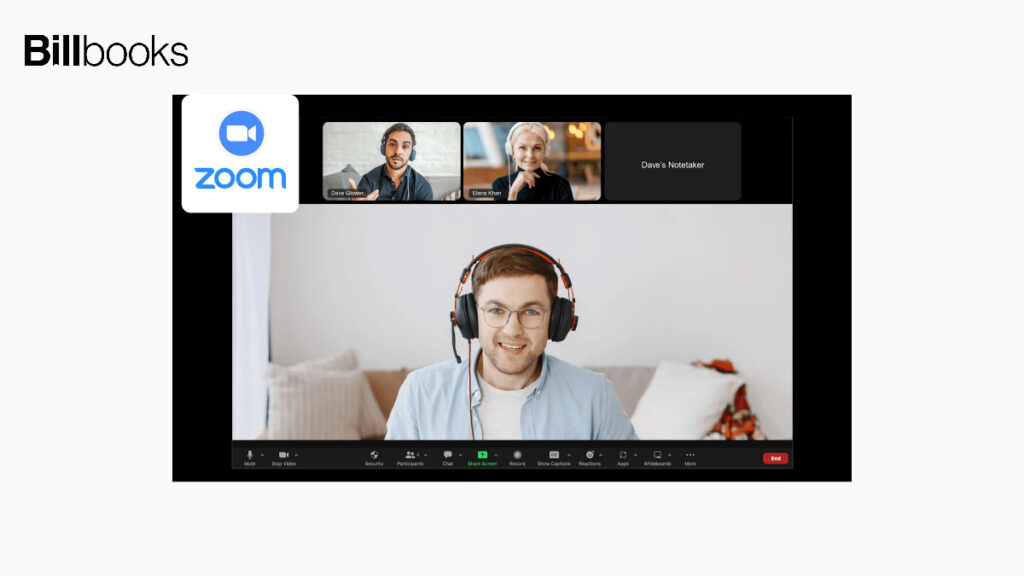
The pandemic situation has made the world go online. Whether it is shopping, chatting or even education, everything is now done virtually. Zoom has emerged as one of the best online tutoring tools that offer better connectivity and reliability for video calls.
Group tutoring sessions for right from primary, high schools to college students, screen sharing, whiteboard, recording, a host of features make taking online lessons super easy. The basic plan comes for free in which up to 50 students can attend the class.
You can start at home, your freelance tutoring classes and educate even students who are 4,000 miles away from you.
Tutor’s Office: User-friendly software for all teaching activities

Managing a private tutoring business is now as simple as ABC with Tutor’s office. This software helps the tutors to efficiently manage all their daily activities like meetings, to-dos, lectures, billing, expenses and much more. Tutor’s office is easy to use software and has everything that is required by a tutor.
Flipboard: Magazine for professional and teaching development

Flipboard another productive tool for teachers, is a user-friendly interface where they can create an education news feed, collect information and share relevant study material with the students.
The digital class space allows teachers to easily collaborate with students. After subscribing with Flipboard, students can access any magazine and discover interesting educational topics.
Billbooks: Invoicing tool to get fees paid on time
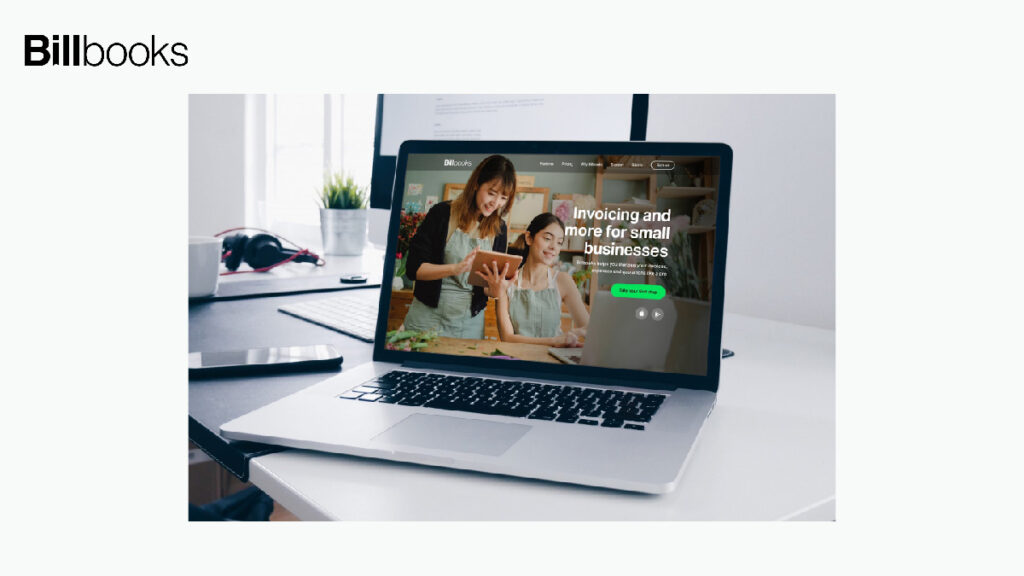
Teaching profession not just involves teaching, right? It is crucial for the tutors to manage their cashflow. Since teaching is now carried on a virtual level, collecting fees online from different sources can be a complicated task as you might struggle with keeping a record of payments.
Billbooks serve as an effective tool for creating professional-looking tutoring invoice. It will also help you to send invoices easily and collect timely fees. With Billbooks you can track payments as well as expenses. The app is really easy to use and pocket-friendly.
If you want to simplify billing, a professional invoice can make a big difference. Billbooks tracks your payments easily and works perfectly with our Free Language Tutoring Invoice Template and Academic Tutoring Invoice Template , so you can create polished, ready-to-send invoices in just minutes. Using both helps you get paid on time and shows a professional image to your students or their parents. Start a free trial of Billbooks today and take control of your tutoring business with ease.
Evernote: Organize and manage online tutoring business
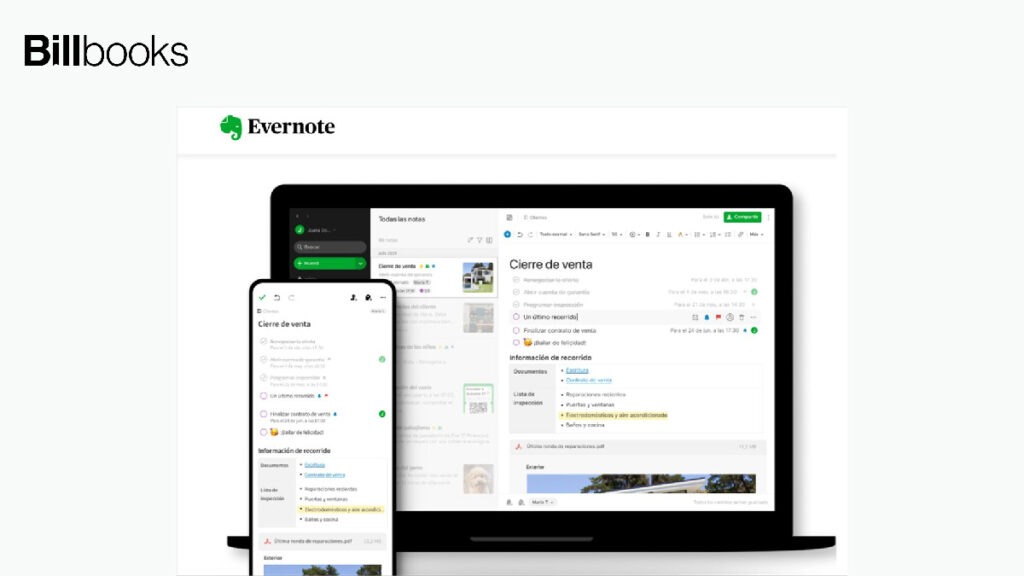
Evernote is a great application that helps the private tutors to easily organise notes, emails, calendars, to-do lists, almost everything that makes life easy of a professional.
This collaborative cum productive tool enhances the student and teacher relationship by making knowledge shareable on vast level. Evernote is definitely time-saving and favourable for tutors.
Google docs: Connect and collaborate with students in real-time
Our very own collaborative tool by Google – Google docs can also be a great tool for tutors. Creating content and sharing it in real-time is what makes Google Docs a popular online tutoring tool.
Most of you might already have a Gmail account, so you can have access to docs on any device with an internet connection. Tutors with students can collaboratively write, edit and brainstorm on any subject matter.
You can also create reports and keep track of meeting notes etc. Share and access, the doc remains safe on the cloud as it is saved on Google Drive for free.
Google Hangouts: Easy video conferencing tool
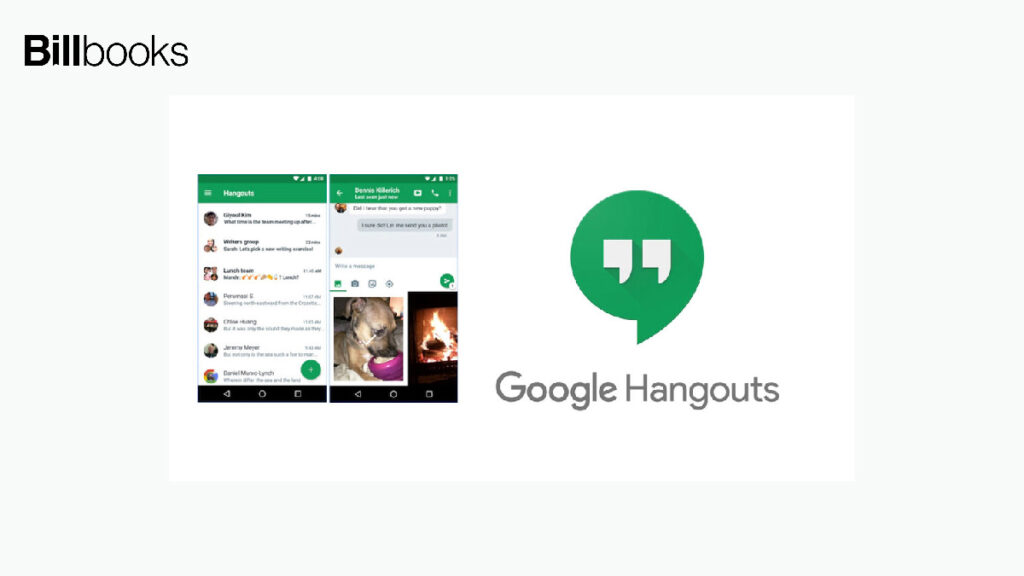
Another helpful tool for the tutors from the Google Cloud is Hangouts. It’s a video conferencing tool where you can connect and create a classroom of up to 10 students. You can have both one-on-one or group chats with Google Hangouts.
Google Hangouts allows you to work together with students on projects, discuss data, analysis and action plans. You can also invite guest speakers virtually and effortlessly. There are endless possibilities for teaching with Google Hangouts.
YouTube: A complete knowledge sharing platform

Whether it is learning or teaching, YouTube has become the major platform for education, especially in these times. Anybody who is interested in sharing their knowledge can easily start their own channel on YouTube and post videos.
Online tutors can share their educational resources and get connected with their current as well as potential students present anywhere in the world. Even the hardest of the topic can be explained well with a well-constructed video.
Start your own tutoring business by uploading good quality, informative and helpful videos. The more target audience subscribes to your YouTube channel, the more your online tutoring business will flourish.
Above are just a few handpicked tools. There are myriads of other tools that will help tutors to set up a successful business. However, using the above tools will certainly help tutors to take their profession to the next level.
FAQs
Q: What basic tools does an online tutor need to get started?
A video call platform, something to share documents, and a way to send invoices and collect fees are the three things you cannot do without. Start there and build around it as you go.
Q: Zoom or Skype, which one is better for tutoring?
Zoom wins for group sessions. Up to 50 students on the free plan, plus screen sharing, whiteboard, and recording all in one place. Skype is decent for one on one lessons but that is roughly where its usefulness ends.
Q: How do tutors keep track of payments without it becoming a mess?
Without a proper tool it gets out of hand quickly, especially when you are teaching multiple students across different payment schedules. Billbooks handles invoicing, payment tracking, and expenses without needing any accounting background.
Q: Is Google Hangouts worth using for online classes?
It works fine for small groups of up to 10 students and costs nothing if you have a Google account. The moment your class size grows beyond that, Zoom is the better option.
Q: Does having a YouTube channel actually help a tutoring business grow?
It does, just not overnight. Students searching for help on specific topics find useful videos and some of them convert into paying clients. A consistent channel builds trust in a way that is hard to replicate with paid advertising.
Q: What is the best way to stay on top of notes and schedules across many students?
Evernote is built for exactly this. Notes, calendars, and task lists all live in one place and sync across devices. Use it alongside Google Docs and the admin side of tutoring becomes much more manageable.
Q: Is Flipboard useful for tutors or just another app to ignore?
It is genuinely useful for one specific thing, pushing curated study material and educational content to students in a clean format. It is not a teaching platform but it fills a gap that most other tools do not address.
Q: Do these tools cost money or can tutors get by with free versions?
Most of them are free or have free plans that work well enough when starting out. You only really need to consider paid upgrades when your student numbers grow and the free plan limits start getting in the way.
