
Log what a job actually cost you, attach the receipt, and bill it straight back to the client who caused it. Keep everything you sell in one catalog so every invoice and quote pulls the same rate.
Your invoices, estimates and clients are served from the network location closest to you, not from one machine on the other side of the world. Moving between a list, a new invoice and a sent document happens in the time it takes to look at it.
Invoices
New invoice
Invoice #1042
Awaiting paymentSent to the client
DeliveredEstimates
The invoice tells you what you charged, not what the job cost. Left in a shoebox or a separate spreadsheet, that spend never makes it back onto the client's bill and never shows up when you check whether a job actually made money. Billbooks keeps expenses next to the invoices they belong to.
Log the expense
Category, vendor, amount, and a photo of the receipt. Attach it to a client on the spot if the job should carry the cost.
Bill it back, or don't
Give it a client and it is billable, ready to pass through. Skip the client and it is just a business cost you are tracking.
Set recurring costs once
Rent, software, retainers you pay out. Mark an expense recurring and it keeps logging itself on schedule.
Pull it onto the invoice
A billable expense sits under the client's Unbilled tab until you add it to their next invoice. Nothing gets forgotten.
Filters into All Expense, Recurring, and Unbilled tabs, each row showing the receipt, the account, the client it is billed to, and the amount. Duplicate or delete an entry right from the list.
Tag an expense to a client or a project, snap the receipt, and mark it billable to drop it onto their next invoice. Skip billable and it stays a private business cost, tracked but never charged.
Set up an item once, as a Good or a Service, and it drops into any invoice or quote at the same rate every time. Goods can track stock and flag a reorder level, so you never quote something you cannot deliver.
Attach a client to it when you log it. It then sits in that client's Unbilled tab until you pull it onto an invoice.
Yes, upload a JPEG, PNG, or GIF of the receipt directly on the expense record.
No. An item can be a Service (hours, a flat project fee) or Goods (something with stock and a SKU), and either type drops into any invoice or quote.
In that client's Unbilled tab, a separate view from your main expense list, so a logged cost never gets pulled onto the wrong invoice or forgotten.
Yes, both actions sit right on the row in the expense list.
Yes, the item catalog filters by All Items, Active, Inactive, In Stock, or Out of Stock.
Yes, unlimited expenses and items, included at the one flat price.
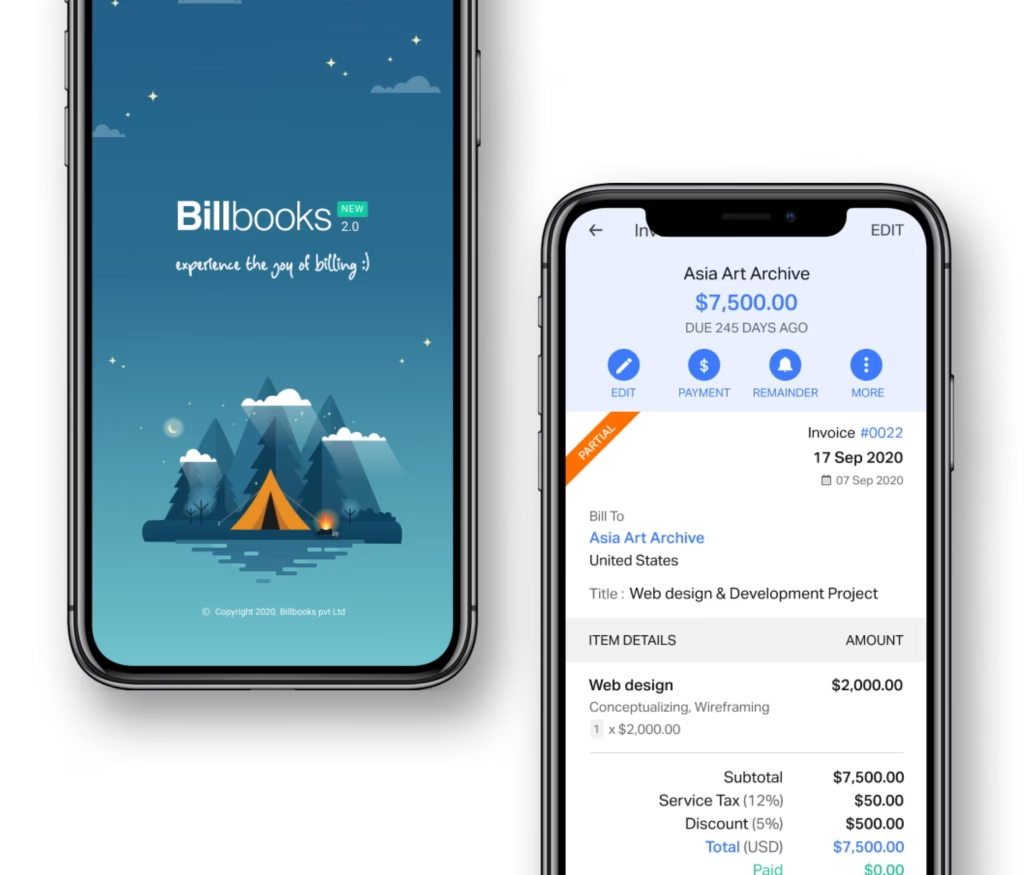
An app so good you will want to get tasks done instead of putting them off. Stay on track and keep your cashflow going.
A little kit of calculators and generators, on the house.
Setting up reusable items so they drop straight onto an invoice.
30-day free trial. No credit card required.
Try it FreePairs with Invoicing for putting a billable expense onto a bill, and Quotes and Estimates for pricing the job before it starts. Try the free invoice generator to see the catalog in action.
See how Billbooks compares