
Retainers, memberships, hosting renewals, monthly dues, anything you bill on a fixed schedule. Set the amount and the cadence once, and Billbooks generates, sends, and follows up on every invoice from then on.
Your invoices, estimates and clients are served from the network location closest to you, not from one machine on the other side of the world. Moving between a list, a new invoice and a sent document happens in the time it takes to look at it.
Invoices
New invoice
Invoice #1042
Awaiting paymentSent to the client
DeliveredEstimates
Retainer clients, monthly hosting, gym or coaching dues, storage rentals. The amount barely changes, but somebody still has to remember the date, rebuild the invoice, send it, and chase it when it goes quiet. Recurring Invoices does all of that after one setup.
Build the invoice once
Client, line items, amount, the same as any normal invoice.
Pick the cadence
Every week up to once every few years, a start date, and run it open-ended or cap it at a set number.
Choose how it's delivered
Send automatically the moment it is due, or have Billbooks create a draft and leave the sending to you.
Reminders follow up on their own
Add an automatic reminder every 7, 15, 30, or 45 days, and Billbooks nudges anyone who has not paid.
Set the cadence once
Choose how often it repeats, when it starts, and when it ends. Billbooks builds and sends each one on schedule.
Set an end date, or a number of invoices to send, and it stops on its own.
Start a recurring invoice →Reminders that escalate
Turn on a reminder when you set it up, and Billbooks follows up on anything unpaid, getting firmer the longer it stays open.
One setup
replaces rebuilding the same invoice every billing cycle. No retyping the client or line items, no remembering the date, no manually chasing a late payment.
Photograph an old invoice or drop in a PDF. Billbooks reads the client, the dates, the line items, the tax and the currency, and gives you back a real invoice you can edit rather than a file you have to store.
Anywhere from every week up to once every several years, plus a custom start date. You can also cap it at a fixed number of invoices instead of leaving it open-ended.
Only if you choose that. Set delivery to automatic for a fully hands-off cycle, or have Billbooks create a draft each time so you can check it before it goes out.
Yes. Set an automatic payment reminder (every 7, 15, 30, or 45 days) on the same recurring invoice, and Billbooks follows up for you.
Yes, every Billbooks feature is included at the one flat price, no add-on tiers.
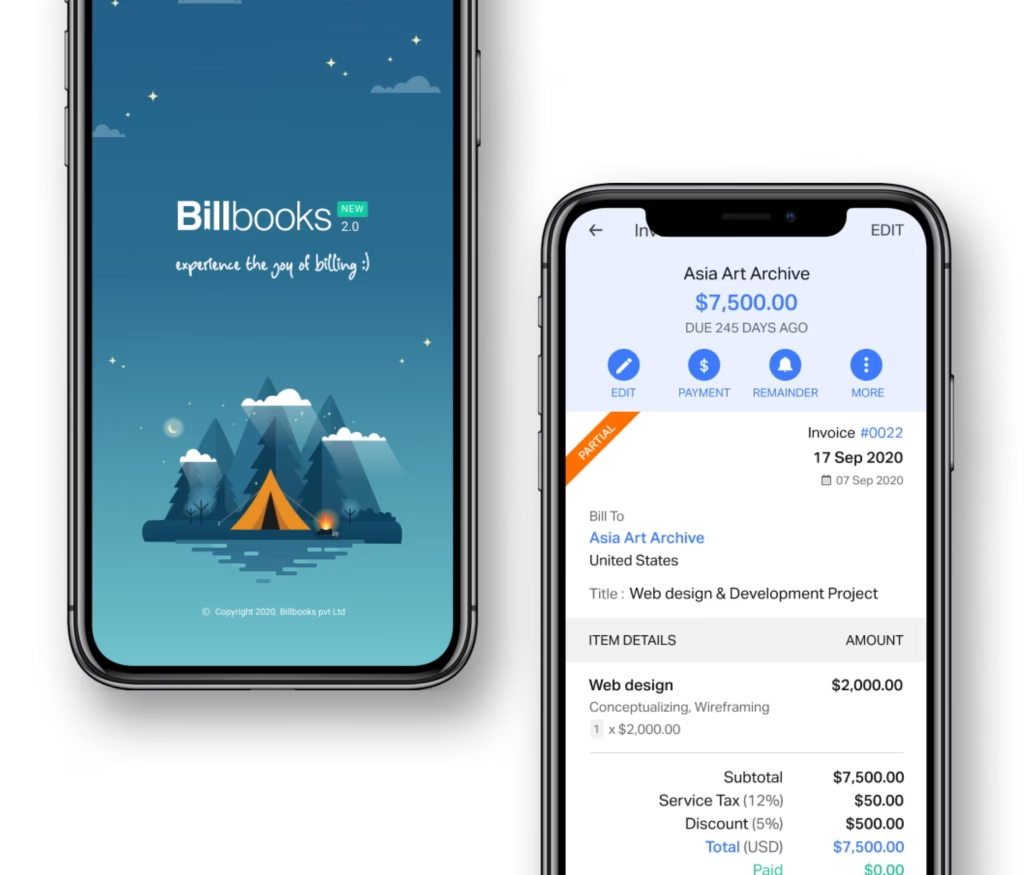
An app so good you will want to get tasks done instead of putting them off. Stay on track and keep your cashflow going.
A little kit of calculators and generators, on the house.
What a recurring invoice is, what it suits, and the end date people forget to set.
30-day free trial. No credit card required.
Try it FreePairs with Invoicing and Quotes and Estimates: build the invoice once there, then put it on repeat here. Once the payment lands, close it out with Reconcile.
See how Billbooks compares