
Send a quote before the work starts, not a surprise invoice after. Billbooks tracks it from sent to approved, then turns it into an invoice in one click.
| Item | Qty | Rate | Amount |
|---|---|---|---|
| Brand identity, phase 2 | 1 | 2,400.00 | 2,400.00 |
| Style guide document | 1 | 450.00 | 450.00 |
Your invoices, estimates and clients are served from the network location closest to you, not from one machine on the other side of the world. Moving between a list, a new invoice and a sent document happens in the time it takes to look at it.
Invoices
New invoice
Invoice #1042
Awaiting paymentSent to the client
DeliveredEstimates
Quote a job in conversation and the scope drifts and the number gets fuzzy. A written quote fixes the price and the scope before either of you commits, and only becomes a bill once the client says yes.
Build the quote
Same line-item builder as an invoice: catalog items, quantities, tax, and a discount if the job needs one.
Set expiry and follow-up
Give it a deadline so old pricing cannot be accepted later, plus an automatic follow-up for quiet clients.
The client approves or declines
It moves Draft to Sent, then the client marks it Approved or Declined, no email chasing.
Convert to invoice in one click
Once approved, turn it into an invoice, same client and line items, no retyping.
Every row opens the same menu, Edit, Send, Convert to Invoice, Copy Link, and more. There is a WhatsApp and a Messenger share too, so a quote can go out in one tap without an email.
A quote answered today is a job you win this week. Send an invoice, quote or proforma straight from Billbooks in one tap. It shares the same secure link the client would get by email, so they can view it and pay from the message, and you still see when it was opened.
A quote you sent and forgot is a job you might lose. Turn on an automatic follow-up and Billbooks nudges the client every 7, 15, 30, or 45 days until they approve, decline, or the quote expires, with the tone stepping up as the deadline nears.
Billbooks pre-fills the From, To, and Subject. Tweak the message, add a Bcc, attach the PDF, and nothing leaves until you click Send.
Estimate settings
Set defaults once in Preferences, so every quote starts with your numbering, terminology, and expiry window.
Custom columns
Rename the Items, Units, Rate, and Amount headers in Preferences. The same names apply to quotes and invoices.
Approve without a login
The client opens the quote from your link, no account required, and approves or declines right there.
Photograph an old invoice or drop in a PDF. Billbooks reads the client, the dates, the line items, the tax and the currency, and gives you back a real invoice you can edit rather than a file you have to store.
Yes, the same document type. Switch which term shows in settings to match how you talk to clients.
It moves to an Expired status automatically, so old pricing cannot be accepted after the fact.
No, the client and line items carry over in a single click from the quote menu.
Yes. Share it on WhatsApp or Messenger in one tap, or use Copy Link to paste the same secure URL anywhere else.
No, they open the link and approve or decline right there. No login, no account to create.
Yes, unlimited quotes, included at the one flat price.
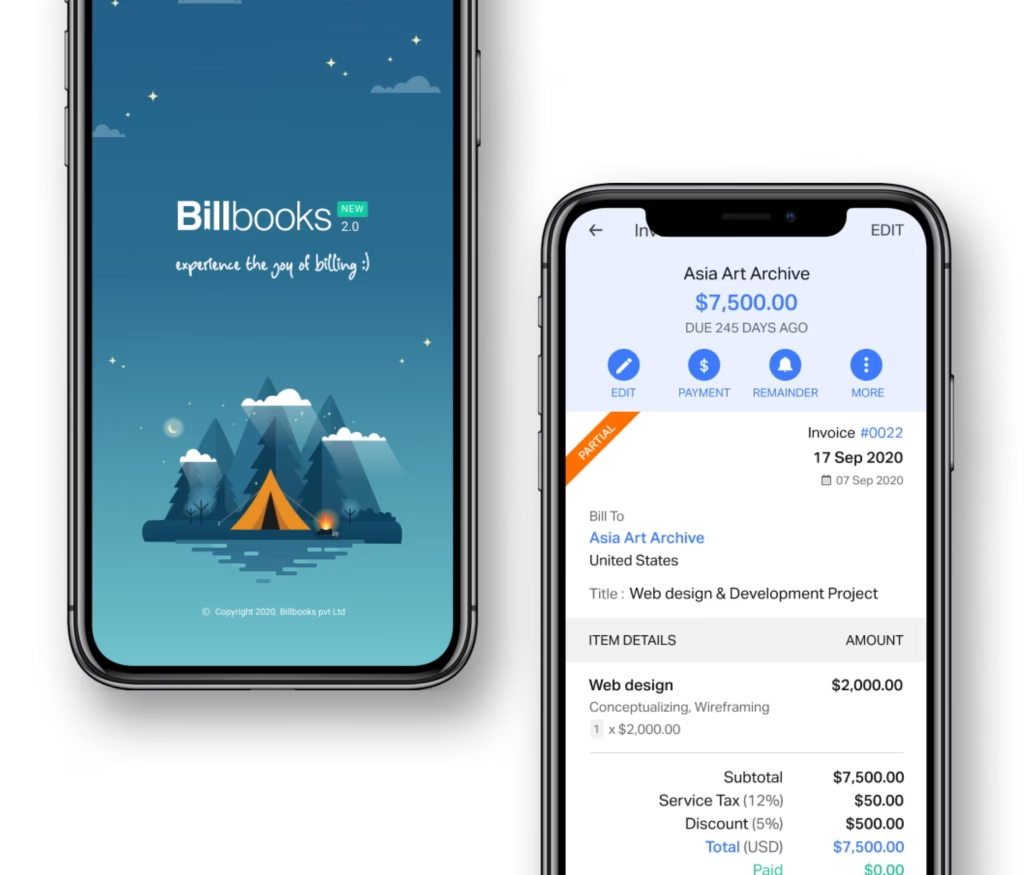
An app so good you will want to get tasks done instead of putting them off. Stay on track and keep your cashflow going.
A little kit of calculators and generators, on the house.
Building an estimate in Billbooks and sending it for the client to approve.
30-day free trial. No credit card required.
Try it FreePairs with Invoicing for the document a quote converts into, and Expenses and Items for the catalog a quote's line items are pulled from. Browse layouts in Estimate Templates, or try the free quote generator first.
See how Billbooks compares