
Set your account language once in Preferences and Billbooks switches with it, English, Spanish, French, German, or Dutch. Bill an overseas client in the language they read, no second tool required.
| Article | Qté | Montant |
|---|---|---|
| Brand identity, phase 2 | 1 | 2,400.00 |
| Style guide document | 1 | 450.00 |
Your invoices, estimates and clients are served from the network location closest to you, not from one machine on the other side of the world. Moving between a list, a new invoice and a sent document happens in the time it takes to look at it.
Invoices
New invoice
Invoice #1042
Awaiting paymentSent to the client
DeliveredEstimates
You have a client in Berlin, Paris, or Madrid, and the invoice you send is in English because that is what the software gives you. It is minor, but it is also a tell that you are not really set up for international clients. Set the interface and invoice language once, and every document afterward already speaks the client's language.
Pick a language
English, Spanish, French, German, or Dutch, under Preferences, General Settings.
The interface switches
Field labels, buttons, and menus update across the whole account, not just one invoice.
Create the invoice as usual
Same client picker, same line items, same totals, just labeled in the language you set.
Send it
The client opens a document that reads like it was made for them.
It translates the labels, not your content
Field labels and buttons switch language. Whatever you type into a client name or item description stays exactly as you wrote it.
English, Spanish, French, German, and Dutch, set from Preferences under General Settings.
The language is an account-wide setting, it applies across your invoices and the interface once set.
No, it translates the interface and invoice field labels. Whatever you type stays exactly as you typed it.
Yes, included at the one flat price.
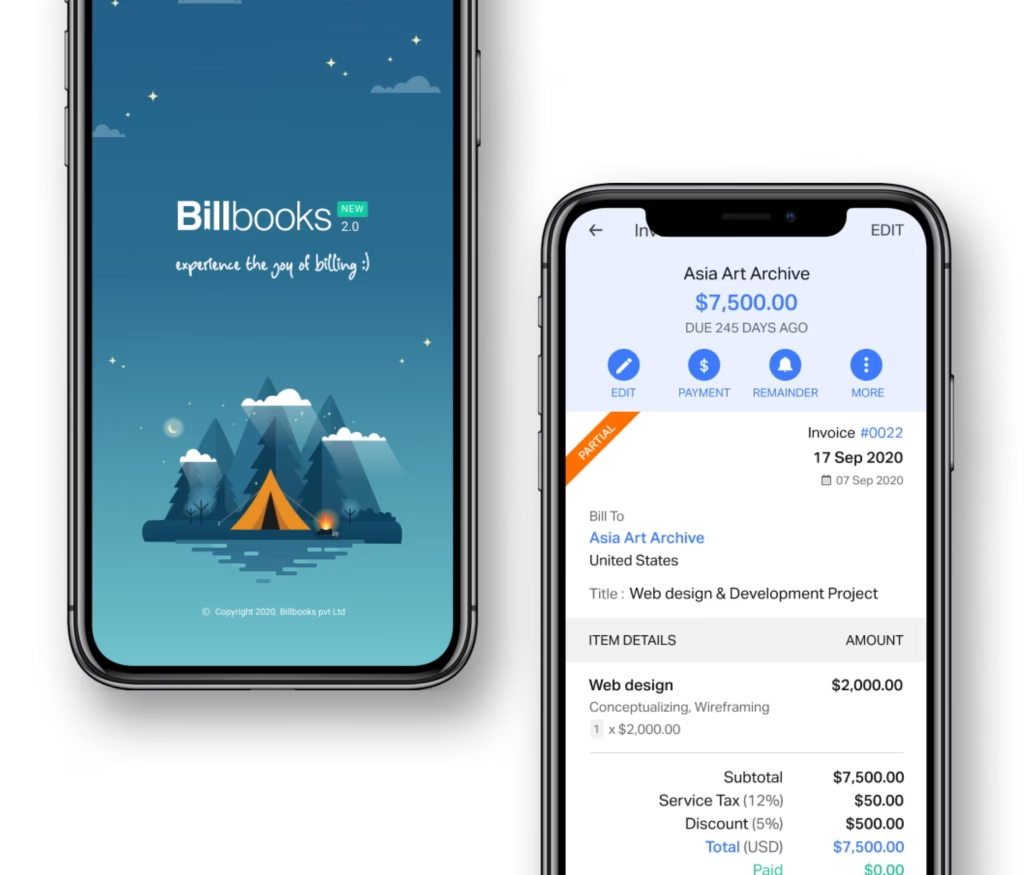
An app so good you will want to get tasks done instead of putting them off. Stay on track and keep your cashflow going.
A little kit of calculators and generators, on the house.
Currency and language, set once per client.
30-day free trial. No credit card required.
Try it FreePairs with Multi-Currency Invoicing for the other half of billing overseas clients, and Invoicing and Quotes for the document itself. Or try the free invoice generator first.
See how Billbooks compares