
Bill your own clients and manage billing for the businesses you look after, from one login. Separate orgs, clean statements, and reports on tap, so the practice runs as tidily as the books you keep.
Keeping the books for several businesses means juggling their billing as well as your own. Billbooks gives each client their own org under one login, so you can raise their invoices, send statements, and pull reports without switching tools or losing track of who owes what.
An org per client
Keep each business you look after in its own org, cleanly separated, all under one login.
Recurring where it fits
Set your own retainer invoices and client billing to raise and send on a schedule automatically.
Reconcile as payments land
Match payments to invoices so each client's books stay current without manual cross-checking.
Statements and reports
Send clean client statements and pull income and outstanding reports whenever you need them.
Branded invoices and statements per client, with your practice details, taxes, and terms set once. Everything consistent, everything in its own org, nothing bleeding between clients.
Separate orgs, one login
Give every client their own org so their invoices, taxes, and records never mix.
Reconcile with ease
Match incoming payments to invoices so each set of books stays accurate and current.
Client statements
Send a clear statement of what has been billed and paid, per client, in a couple of clicks.
Outstanding across clients
See who owes what across every org you manage, without opening each one.
Recurring practice billing
Put your own retainers and client billing on a schedule so invoices send themselves.
Taxes handled per org
Set the right tax rates for each client and apply them automatically on every invoice.
However you serve your clients, Billbooks fits the practice.

Practices that manage billing for many
★★★★★
“I used to hate sending invoices and payment reminders. I never imagined a boring, cumbersome task could be this intuitive and fun.”
★★★★★
“I used to waste hours on invoicing. With Billbooks it is all done before my coffee gets cold, so I focus on growing my store.”
★★★★★
“We are always on the move, and Billbooks keeps our billing just as fast and reliable. No training needed, just invoices out and money in.”
An app so good you will want to get tasks done instead of putting them off. Stay on track and keep your cashflow going.
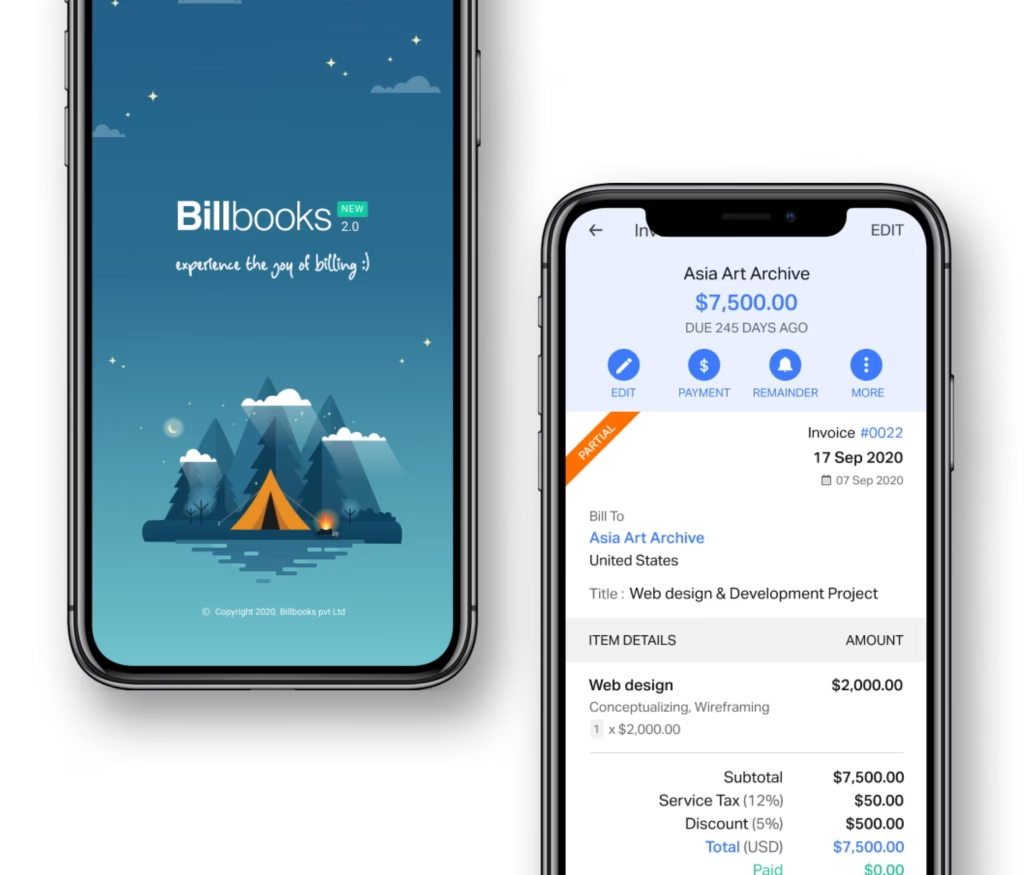
Photograph an old invoice or drop in a PDF. Billbooks reads the client, the dates, the line items, the tax and the currency, and gives you back a real invoice you can edit rather than a file you have to store.
An accounting practice needs to bill its own clients and, often, manage billing for the businesses it looks after. Billbooks supports multiple organizations from one login, each with separate branding, clients and numbering, at $7.95 a month per organization plan.
Yes. Billbooks supports multiple organizations under one account, each kept separate with its own clients, branding and invoice numbering, so a practice can move between the businesses it bills for without logging in and out.
Yes. Billbooks produces client statements and reports on outstanding invoices, collections and profit and loss, which covers the recurring questions a practice gets asked between filing periods.
No, and this matters most on this page. Billbooks is invoicing and quoting software. It has no double-entry ledger, no trial balance, no payroll and no filing. An accountant uses it for billing alongside a real accounting package, not instead of one.
It depends on the number of client organizations, users and projects rather than features, since every paid plan carries the same functionality. Practices usually sit on Standard or Professional for the higher client and user limits.
Yes. Each organization in Billbooks has its own clients, branding, invoice numbering and reports, so moving between the businesses you bill for does not risk mixing one client's data into another's invoice.
Yes. Billbooks produces a statement showing every invoice, payment and credit over a period with the closing balance, which is usually faster than answering the same question by email.
Yes. Each client gets their own org under a single login, so their invoices, taxes, and records stay cleanly separated.
Yes. Match incoming payments to the right invoices so each client's books stay accurate and up to date.
Yes. Send a clear statement of what has been billed and paid for each client in a couple of clicks.
Yes. Set the correct tax rates per org and Billbooks applies them automatically on that client's invoices.
One flat price with unlimited clients and orgs, plus a 30-day free trial with no credit card required.
A little kit of calculators and generators, on the house.
Practices usually pair this with Reconcile to match payments, Reports for the numbers, and Clients to manage the roster. Recurring work runs on Recurring Invoices.
A client chasing a deadline reads a message first. Send an invoice, quote or proforma straight from Billbooks in one tap. It shares the same secure link the client would get by email, so they can view it and pay from the message, and you still see when it was opened.
See how Billbooks compares