
Connect PayPal, Stripe, Authorize.Net, or Braintree, and every invoice carries a working Pay Now button. Clients pay straight from it, no separate link, no chasing a bank transfer.
Your invoices, estimates and clients are served from the network location closest to you, not from one machine on the other side of the world. Moving between a list, a new invoice and a sent document happens in the time it takes to look at it.
Invoices
New invoice
Invoice #1042
Awaiting paymentSent to the client
DeliveredEstimates
Bank details buried in a PDF footer rely on the client logging in later. A Pay Now button lets them pay on the spot, while they are looking at what they owe.
Pick a gateway
PayPal, Stripe, Authorize.Net, or Braintree, whichever you already use or find easiest.
Connect your account
Enter your gateway credentials once in Settings, Billbooks handles the rest.
Every invoice carries Pay Now
No extra step per invoice. Once the gateway is connected it applies automatically.
Get paid, get marked paid
The client pays through the gateway and Billbooks records the invoice as paid, no manual updating.
Connect one or connect all four from Settings. Billbooks does not add a cut on top of what your gateway already charges, so the only fees are the ones you would pay anyway.
No additional fee from Billbooks
Whatever PayPal, Stripe, Authorize.Net, or Braintree charge you directly is all you pay. Billbooks does not take a cut on top.
Add your own payment QR, as a link or an image, straight onto the invoice. Customers scan and pay you directly, right from the invoice they are already looking at.
Give clients a one-tap way to pay, and keep every rupee and record locked down.
PayPal, Stripe, Authorize.Net, and Braintree. You can connect one or more from Settings > Integration.
No. Transaction charges apply as per your payment gateway's own plan. Billbooks does not add any additional fee on top.
Yes, you connect your own PayPal, Stripe, Authorize.Net, or Braintree account. Billbooks links to it, it does not process payments itself.
Yes, every Billbooks feature, including all four payment gateway integrations, is included at the one flat price.
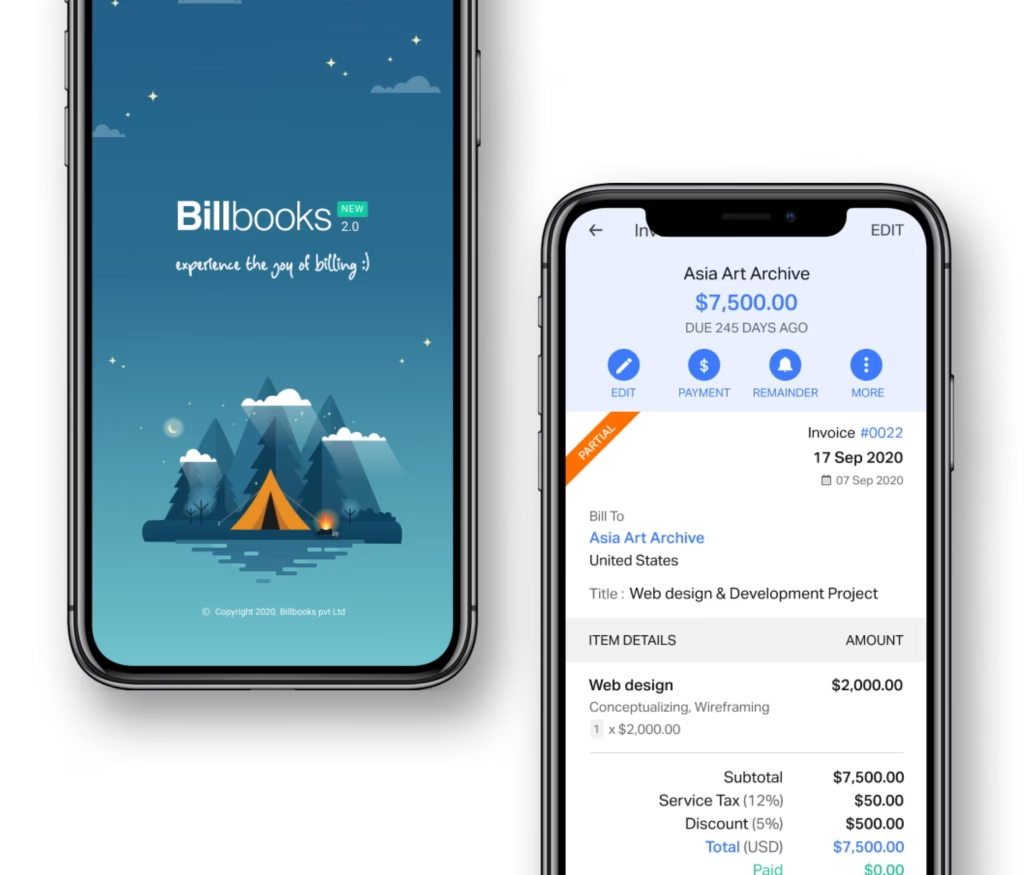
An app so good you will want to get tasks done instead of putting them off. Stay on track and keep your cashflow going.
A little kit of calculators and generators, on the house.
Pairs with Invoicing, Quotes and Estimates, and Recurring Invoices, so every invoice you send, one-off or repeating, can be paid in one click.
See how Billbooks compares