
One list for everyone you bill, split into Active, Inactive, and Overdue, with the outstanding balance right next to the name. No digging through invoices to find who owes what.
Your invoices, estimates and clients are served from the network location closest to you, not from one machine on the other side of the world. Moving between a list, a new invoice and a sent document happens in the time it takes to look at it.
Invoices
New invoice
Invoice #1042
Awaiting paymentSent to the client
DeliveredEstimates
The email is in one place, the payment terms in another, and whether they paid last month is a mystery until you check. Clients keeps every contact, currency, term, and balance on one record, current the moment an invoice is sent or paid.
Add a client once
Contact, address, currency, payment terms, and language, all on the client record.
It routes automatically
Pick the client on an invoice or quote and their currency, terms, and details fill in on their own.
See who owes what
The outstanding balance sits right on the client list, no opening invoices to check.
Filter to what matters
Jump to Overdue clients, or filter Active versus Inactive, instead of scrolling the full list.
Drag in a photo of a business card and Billbooks reads the name, company, email, and phone, then creates the client in seconds. No typing contact details by hand.
Currency
Set a client's currency once and every invoice and quote for them uses it automatically.
Payment terms
A default due date per client, so their invoices land with the right terms without a second thought.
Language
Send each client documents in their own language, set right on their record.
Automatically, once one of their invoices passes its due date unpaid. No manual flagging.
Yes, currency, payment terms, and language are set per client and apply automatically to their invoices and quotes.
Mark them Inactive to keep them out of your active list without deleting their history.
Yes, unlimited clients, included at the one flat price.
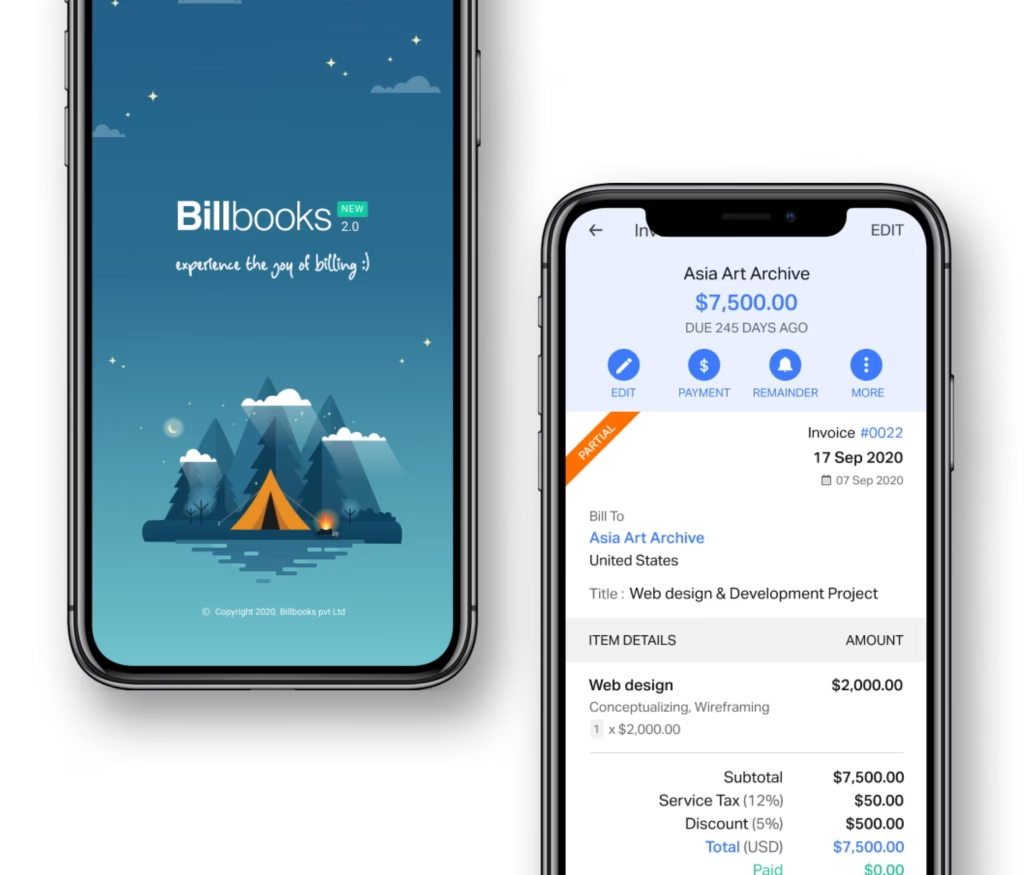
An app so good you will want to get tasks done instead of putting them off. Stay on track and keep your cashflow going.
A little kit of calculators and generators, on the house.
Pairs with Multi-Currency Invoicing for currency set per client, and Invoicing and Quotes for the documents you send them. Or try the free invoice generator first.
See how Billbooks compares