You did the work. Now you have to ask for the money, and do it in a way that looks professional and actually gets paid. Here is a clean, repeatable way to invoice as a freelancer, without it eating your evening.
1. Agree the price before you start
The best invoice is one there is no argument about. Before the work begins, send a short quote or estimate that spells out the scope, the price, and the payment terms. When the client approves it, you can turn that quote straight into an invoice later without retyping anything.
2. Put the right details on the invoice
A professional invoice includes your name or business, a unique invoice number, the date, the client details, itemized lines with descriptions and amounts, the subtotal, any tax, and the total due. Add your payment terms (for example Net 15 or Net 30) and how you want to be paid. If you want the full list, see our what to put on an invoice checklist.
3. Make it easy to pay
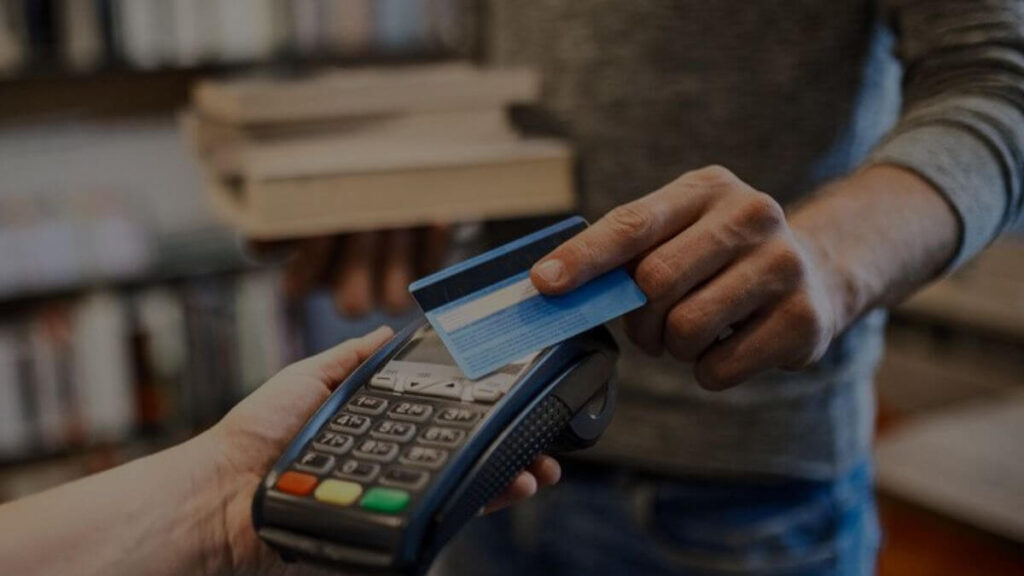
The faster a client can pay, the faster you get paid. Add an online payment option so they can pay straight from the invoice by card or bank transfer, rather than having to set up a manual transfer.
4. Send it promptly, then let reminders do the chasing
Send the invoice as soon as the work is done, while it is fresh in the client's mind. Then set automatic payment reminders so you are not the one sending the awkward follow-up. A polite nudge as the due date approaches and passes does the chasing for you.
5. Track what is outstanding
Keep one view of who has paid and who has not, so nothing slips through between projects. When tax time comes, having every invoice and payment in one place saves you rebuilding it from your inbox.
The quickest way to start
You do not need a spreadsheet or a word processor. You can send a clean, professional invoice in minutes with the free invoice generator, no signup required.
For the full workflow, quotes, recurring invoices, reminders, expenses, and reports, Billbooks is built specifically for people who bill their own clients. See invoicing for freelancers, and if you are weighing tools, the best invoicing software for freelancers roundup compares the main options honestly.
A few habits that get you paid faster
- Number your invoices in a clear sequence so both sides can reference them.
- Set clear terms (Net 15 gets you paid sooner than Net 30).
- Invoice the moment the work is delivered, not at the end of the month.
- Turn on reminders so late payers hear from the software, not from you.
- Offer easy online payment so paying is a click, not a chore.
Get those five right and invoicing stops being the part of freelancing you dread.
If you would rather start from a filled-in page than a blank one, the free freelance invoice template has sample lines for project work and client consultation, and downloads as a PDF without an account.
On bigger jobs, bill in stages
A single invoice at the end of a long project puts all the risk on you and all the flexibility with the client. Splitting it changes both.
- Take a deposit up front on anything substantial, then invoice the rest against agreed milestones.
- Offer more than one way to pay. A card link on the invoice gets paid faster than bank details a client has to retype.
- Watch who pays late, and adjust. A client who is repeatedly slow gets shorter terms or a larger deposit next time, not a stern email.